How to Build Smart Forms with Conditional Logic
By Lena Fischer · May 28, 2025 · 7 min read
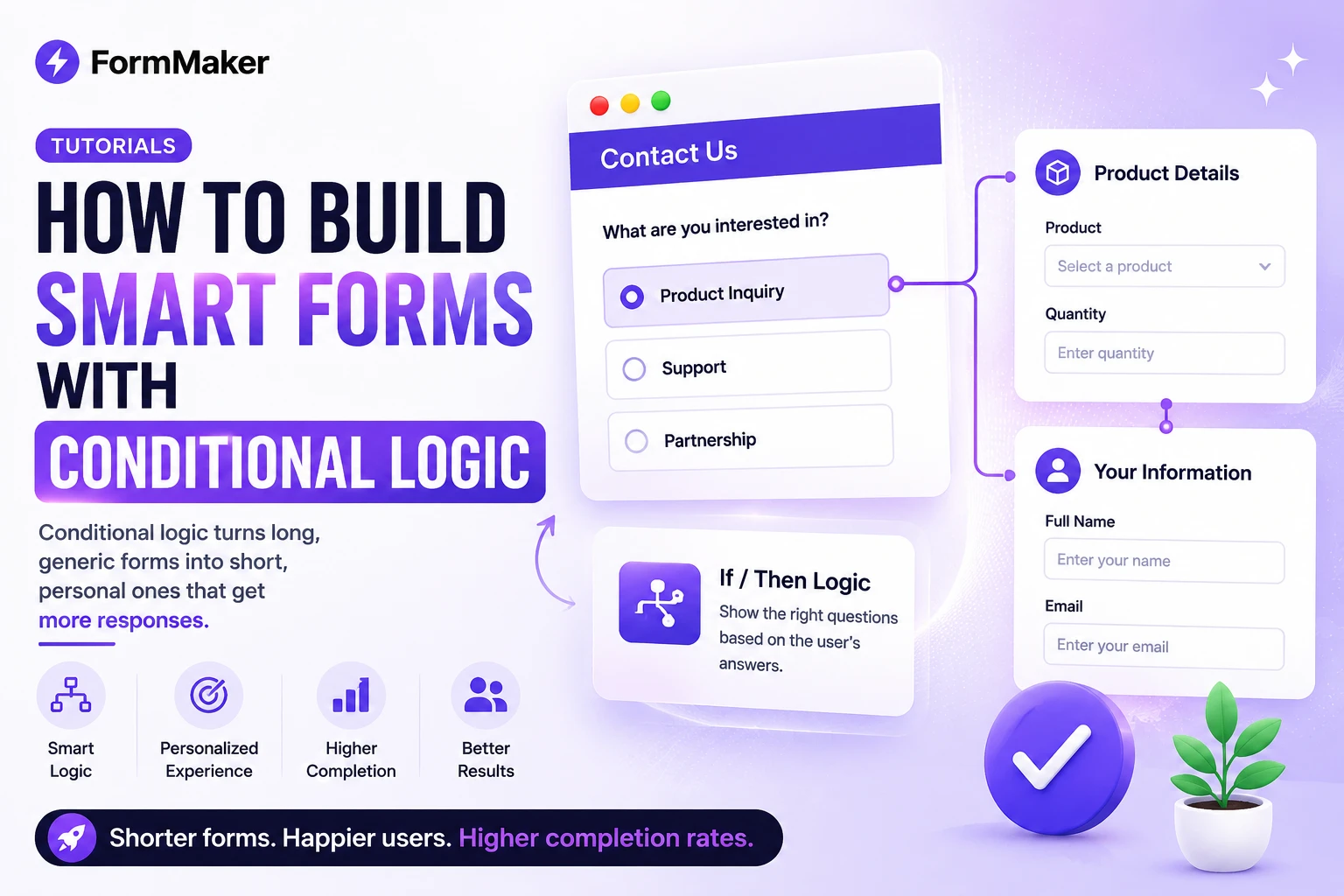
The single biggest reason people abandon forms is length. Conditional logic solves that by showing each respondent only the questions relevant to them. In this guide you'll learn what conditional logic is, when to use it, and how to set it up in FormMaker.
What is conditional logic?
Conditional logic (sometimes called branching or skip logic) lets a form change based on previous answers. Instead of one rigid path, the form adapts: answer "No" and a follow-up disappears; answer "Enterprise" and you see a different set of questions entirely.
Why it boosts completion rates
Every irrelevant question is a chance for someone to give up. By hiding what doesn't apply, you make a form feel shorter and more personal. Teams that add logic to long forms routinely see meaningful jumps in completion.
- Respondents skip questions that don't apply to them.
- The form feels like a conversation, not an interrogation.
- You collect cleaner data with fewer "N/A" answers.
Three types of logic in FormMaker
1. Show / hide rules
The most common type. Show a block only when a condition is met — for example, show "Which integrations do you use?" only if the respondent answered "Yes" to "Do you use third-party tools?".
2. Page-jump logic
On multi-page forms, send respondents to a specific page based on an answer. A "What are you here for?" question can route sales leads and job applicants down completely different paths.
3. Calculator logic
Compute scores, totals or quotes in real time. This powers quizzes with instant results and pricing forms that update as options are selected.
Setting it up
In the block editor, select a block and open its logic tab. Add a rule like "Show this block if Question 1 is 'Yes'." You can chain conditions with AND/OR for more nuanced flows. Everything is visual — no formulas to memorize.
Best practices
- Start simple: add one or two rules, then test the form yourself.
- Keep branches shallow — deeply nested logic is hard to maintain.
- Always provide a path to the end; never trap a respondent.
Conditional logic is free on every FormMaker plan. Create a form and try it — you'll never go back to static forms again. For more advanced flows, see our guide on form design tips.
Build your next form for free
Unlimited forms, unlimited submissions, no credit card required.
Try FormMaker freeRelated posts
The Best Free Typeform Alternative in 2025
Typeform is great until you hit the response limit and the paywall. Here's how FormMaker gives you unlimited forms and submissions — for free.
TutorialsHow to Embed a Form on Any Website
Inline, popup, or full-page — here are the three ways to embed a FormMaker form on your site, with copy-paste snippets.